
Futuristic Cyberpunk Style
"Transform the UI into a futuristic cyberpunk in light yellow theme"
AI 기반 웹사이트 리디자인
첨단 AI로 어떤 웹사이트든 즉시 리디자인하세요. 몇 초 만에 프로덕션 준비 완료 코드, 무제한 변형, 프리미엄 미학을 얻으세요.
Start my redesignYour turn
Add a link, upload screenshots of your current site, or describe a brand-new website — Rede returns a set of fresh directions every time.
Website Redesigning
우리의 AI 웹사이트 리디자인 플랫폼은 웹 제작을 혁신합니다
Wondering how to redesign an existing website? Need to redesign my website without losing traffic? Before you start your AI website redesign, check out our website redesign SEO checklist.
Before
After


마법의 지시
코딩하는 방법을 모르시나요? AI에게 원하는 것을 말하기만 하면 즉시 마법이 일어납니다.
"Transform the UI into a futuristic cyberpunk in light yellow theme"
"Give it a vintage newspaper look"
"Give it a hand-drawn papercut aesthetic"
"Transform into a graffiti street art style"
"Transform into a sketchbook style with pencil strokes"
"Redesign with a "Claymorphism" 3D style"
1600개 이상의 AI 템플릿
AI 기반의 전문가용 테마 — 사이트 현대화 작업 시 성능에 최적화되어 있습니다.


AI 디자인 어시스턴트
변경하고 싶은 내용을 AI에 말하기만 하면 웹사이트가 실시간으로 변화하는 것을 볼 수 있습니다.

✨ 10,000+ Pre-Generated Sections & AI Studio
Browse thousands of production-tested sections across Hero, Features, Pricing, Testimonials, and FAQs — or prompt AI to synthesize custom archetypes that automatically match your site’s typography, colors, and layout.
three-tier-cards
3-Tier Gridtoggle-monthly-annual
Interactive Toggle✓ Dropped to Canvascomparison-table
Spec Tablesingle-plan-feature-list
Founder Passhorizontal-stacked-rows
Row Stacktwo-tier-split-panel
Split PanelInstant access to thousands of ready-made section archetypes. Search by category, industry, or visual style and drop straight into your page.
Every dropped section automatically analyzes and inherits your active page’s color palette, typography hierarchy, and spacing.
Need bespoke layouts? Describe your vision in one prompt and receive 6 structurally unique designs in under 2 seconds.
비주얼 디자인 에디터
직관적인 비주얼 에디터로 완벽하게 제어하세요. 스타일과 콘텐츠를 정밀하게 수정할 수 있습니다.

커뮤니티 참여
수천 명의 디자이너 및 개발자와 소통하세요. AI 프롬프트를 공유하고 피드백을 받으세요.


A website redesign changes how people find information and take action on your site. Redesignr helps you explore layouts and edit the code. Your content, integrations, and launch checks still need your attention.
Is the main action hard to find? Does the mobile layout hide important information? Is the content out of date? Pick a concrete goal before generating a new design. Keep the pages and content that already help your visitors.
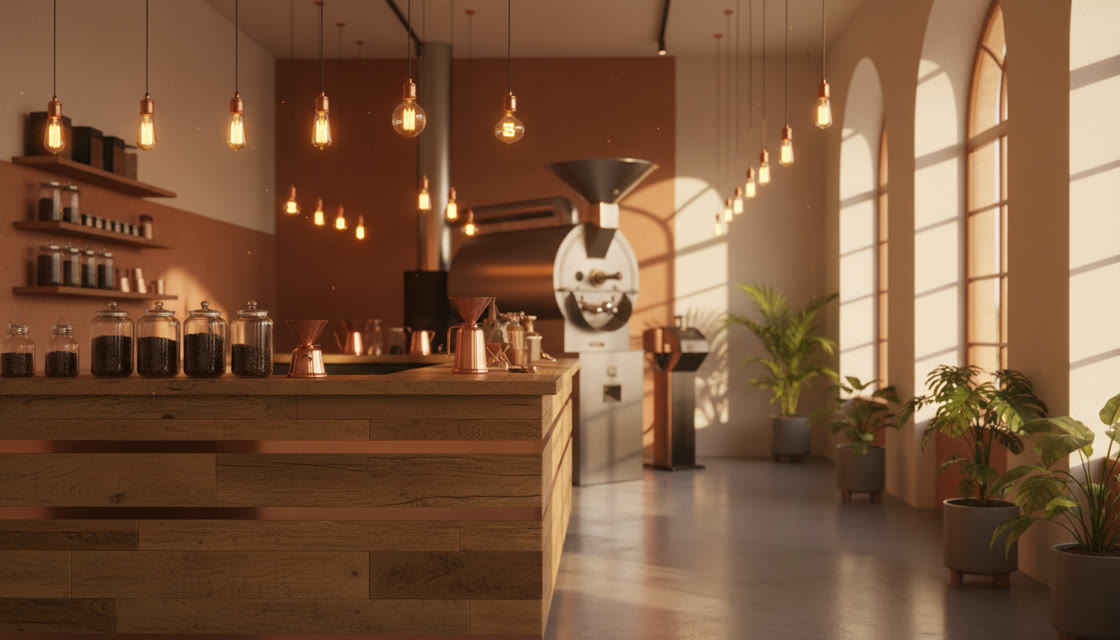
Try the coffee shop design example to explore a product layout. It is a demonstration, not a customer case study or evidence of a ranking increase. For a full project plan, read how to redesign a website.
A new visual design does not automatically preserve or improve Google rankings. Before replacing your live site:
Use the website redesign SEO checklist to plan these checks.
Use Redesignr when you want to generate and edit a front-end design yourself. An agency or developer may be useful when the project also needs content strategy, a CMS migration, custom integrations, or someone to manage launch and testing. Generated layouts do not replace your application backend.
The free plan lets you try the workflow; paid plans provide additional usage. See current plans and limits and the website redesign cost guide to plan your budget.
Start with one page, review the result, and decide what to change before publishing.
유연한 요금제
Redesigner AI로 무료로 시작하세요
테스트해보기에 완벽함
Free
크리에이터 및 프리랜서용
$20/mo
파워 유저용
$50/mo
팀과 함께 확장
$100/mo
FAQ
AI로 웹사이트 제작에 대해 알아야 할 모든 것.
Redesign AI는 고급 인공지능을 사용하여 기존 사이트를 분석하고, 브랜드와 콘텐츠를 이해한 후 자동으로 모던하고 최적화된 디자인을 생성합니다.
물론입니다! Redesign existing website with AI 플랫폼은 기존 사이트 변환에 특화되어 있습니다. URL을 붙여넣기만 하면 AI website redesigner가 여러 모던 변형을 생성합니다.
Redesign website AI로 랜딩페이지, 기업 사이트, 포트폴리오, GitHub 문서, 블로그를 생성할 수 있습니다.
네! AI redesign은 깨끗하고 시맨틱하며 프로덕션 최적화된 HTML/CSS 코드를 생성합니다.