
WordPress to AI Redesign: Migrate to High-Speed React
Transform slow, plugin-bloated WordPress websites into lightning-fast React applications using automated AI code extraction.
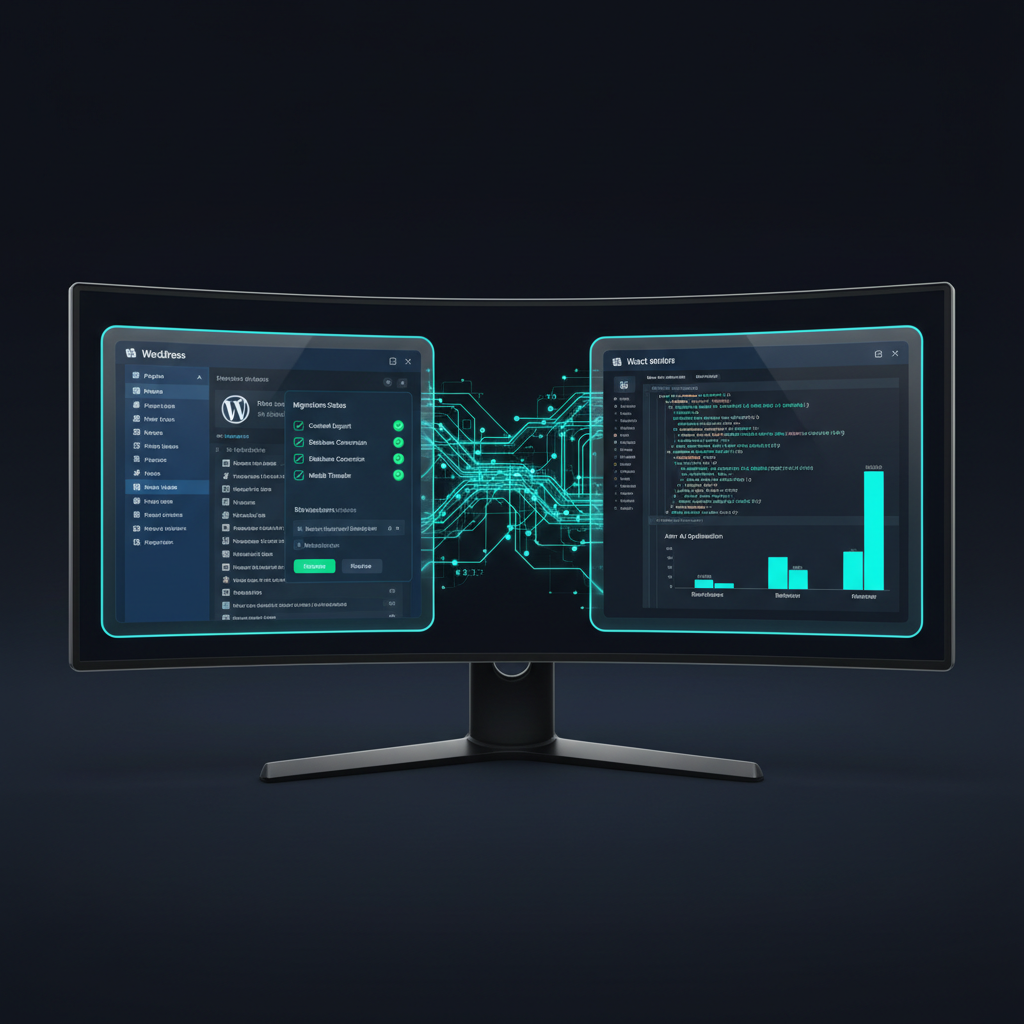
The Problems with Legacy WordPress Infrastructure
WordPress powers millions of websites, but site owners constantly battle slow page loading speeds, heavy plugin conflicts, security vulnerability patches, and expensive hosting overhead.
Page builders like Elementor and WPBakery insert excessive nested HTML divs and un-minified CSS stylesheets that severely hurt Google Core Web Vitals scores.
Migrating to static React framework architectures eliminates database latency and protects your web application from PHP security exploits.
Automated AI scrapers parse legacy WordPress copy and media assets, compiling them into lightweight, modern UI component systems.
Redesignr.ai automates WordPress migrations—ingesting legacy URLs and generating modern, mobile-responsive React components in seconds.
4 Steps to Migrate WordPress to AI React Code
1. Paste Your WordPress Website URL
Enter your live WordPress website link into Redesignr. Our scraper ingests your existing blog posts, landing page text copy, and brand images automatically.
2. Eliminate Heavy PHP & Database Overhead
Bypass slow MySQL database queries and bloated PHP themes. Redesignr compiles your content into lightweight, static React JSX components.
3. Mobile Breakpoints & Responsive Tailwind Styling
Transform dated WordPress elementor column layouts into modern CSS Grid containers optimized for mobile touch targets and sub-1.5s LCP loading speeds.
4. Export Standalone React Code & Host Anywhere
Export 100% clean React code and static HTML/CSS files. Host your modernized site on Vercel, Netlify, or AWS Amplify with zero monthly builder lock-in.
Performance & PageSpeed Benefits
1. Sub-1.5 Second LCP Loading Speeds
Static React components hosted on global CDNs load significantly faster than server-rendered WordPress PHP scripts.
2. Zero Plugin Vulnerabilities
Static React applications contain no backend MySQL database or PHP runtime scripts for hackers to exploit.
WordPress is the most accommodating common platform for bringing an external design in, because it will accept raw markup at several different levels. Which route you take depends on how your site is built, and choosing the wrong one is how a straightforward job turns into a development project.
Three routes in, by increasing effort
The simplest is a Custom HTML block in the block editor. Paste exported markup into a page and it renders. Good for landing pages and one-off pages; awkward for anything that should share a header and footer with the rest of the site.
The middle route is a page builder. Elementor, Divi, Bricks and the rest all provide a custom HTML widget, so a generated section can drop into an existing builder layout alongside what you already have.
The thorough route is a child theme with custom page templates. More work, and it gives you real template reuse, keeps the design in version control rather than in the database, and survives parent theme updates.
Static pages are easy; dynamic templates are a build
This is the distinction that determines your effort, and it is worth establishing before you start rather than halfway through.
A page whose content is written in the editor — about, services, contact, a landing page — can take pasted markup directly.
Archive pages, single post templates, WooCommerce product and category pages, and anything driven by custom fields are generated by PHP from the database. A generated design informs them, but converting it means writing template files with the right template tags and loop structure. That is developer work, and pretending otherwise is where these projects stall.
What is not at risk
A front-end redesign does not touch posts, pages, media, users, or plugin settings — all of that lives in the database and is independent of how it is displayed.
Plugin functionality is server-side and keeps working. What can break is plugin output that relied on your old theme's CSS classes for styling: a form plugin that looked fine because the theme happened to style its inputs will look unstyled against new markup, and needs its own rules.
So the risk in a WordPress redesign is cosmetic and localised rather than structural, which is why it is a lower-stakes project than it feels like.
The page builder question
If your site is built with a page builder, you have a decision to make about whether the redesign keeps it.
Builders add markup and script weight, and they store layout in the database in their own format, which makes the site hard to move and hard to version. That is the case for replacing the builder with theme templates during a redesign.
Against that: someone non-technical currently edits the site, and taking the builder away may mean they cannot. If the person who updates your site relies on the builder, removing it solves a technical problem by creating an operational one.
There is no universally right answer; there is a right answer for who maintains your site.
Doing it safely
The mechanics are well-trodden and worth following rather than improvising.
Work on a staging copy, not production. Use a child theme so nothing you write is destroyed by a parent theme update. Take a database and file backup before switching, and know how to restore it.
If you change permalink structure — and a redesign is a common moment to "tidy" URLs — every old path needs a 301 to its replacement. WordPress will not do this for you, and it is where the traffic goes if it is skipped.
- Staging first — most hosts provide a one-click staging environment; use it.
- Child theme — so parent theme updates do not overwrite your work.
- Backup and restore — database and files, and confirm you can actually restore them.
- Permalinks — if the structure changes, map every old URL to its replacement.
- Plugin styling — check forms, galleries and shortcodes against the new markup.
A sensible starting point
Take one static page — an about or services page — and bring a generated design into it with a Custom HTML block. It takes minutes, it touches nothing else, and it tells you whether the approach suits your site.
From there, decide whether to keep going page by page or invest in theme templates. Most sites reach a point where template work pays off; almost none should start there.
And if you get to WooCommerce product pages, budget for a developer. That is genuinely template work and it needs testing against out-of-stock, single-variant and long-title products.
Static pages take pasted markup directly; anything driven by the database needs template work. Start with one static page, use a child theme and staging, and redirect every permalink you change.
Frequently Asked Questions
Why should I migrate my website from WordPress to React using AI?
WordPress sites frequently suffer from slow page loading speeds, plugin vulnerability security hacks, and constant maintenance updates. AI tools like Redesignr convert dated WordPress sites into fast, secure, static React websites.
Will migrating from WordPress to AI affect my SEO rankings?
Migrating to clean React code dramatically improves PageSpeed performance and Google Core Web Vitals scores, boosting your search engine ranking potential.
Can I export standalone code for my developers?
Yes. Redesignr exports standalone React components and Tailwind CSS files that developers can host anywhere with zero platform lock-in.
Redesign Your WordPress Website Now
Enter your WordPress URL into Redesignr.ai to generate a fast, modern React website in seconds.
Start WordPress Redesign Free