
Futuristic Cyberpunk Style
"Transform the UI into a futuristic cyberpunk in light yellow theme"
AI website redesign · Start free with 15 credits
Redesignr is an AI tool that turns your existing site's URL or a screenshot into new page designs you can edit and export as HTML. Each multi-design run returns up to three directions that start from your own content. Not quite right? Generate again.
Start my redesignYour turn
Add a link, upload screenshots of your current site, or describe a brand-new website — Redesignr returns a set of new directions to compare and edit.
Website Redesigning
Transform your outdated site into a modern masterpiece. See the difference for yourself.
Wondering how to redesign an existing website? Need to redesign my website without losing traffic? Before you start your AI website redesign, check out our website redesign SEO checklist.
Before
After


Magic Instructions
Not sure how to code the change? Simply tell our AI what you want in plain English, and watch the magic happen instantly. Try out these example prompts.
"Transform the UI into a futuristic cyberpunk in light yellow theme"
"Give it a vintage newspaper look"
"Give it a hand-drawn papercut aesthetic"
"Transform into a graffiti street art style"
"Transform into a sketchbook style with pencil strokes"
"Redesign with a "Claymorphism" 3D style"
1,100+ AI Themes & Templates
Browse 1,100+ production-ready themes and 7,000+ sections built with Tailwind CSS, then remix them in the AI Studio.


AI-Powered Design Assistant
Simply tell our AI what you want to change and watch your website transform in real-time.

✨ 7,000+ Pre-Generated Sections & AI Studio
Browse thousands of production-tested sections across Hero, Features, Pricing, Testimonials, and FAQs — or prompt AI to synthesize custom archetypes that automatically match your site’s typography, colors, and layout.
Instant access to thousands of ready-made section archetypes. Search by category, industry, or visual style and drop straight into your page.
Every dropped section automatically analyzes and inherits your active page’s color palette, typography hierarchy, and spacing.
Need a bespoke layout? Describe the section in one prompt and get 5 to 7 structurally different versions to choose from.
Visual Design Editor
Take full control with our intuitive visual editor. Click any element to modify its properties, styles, and content with precision tools.

Join the Community
Connect with other designers and developers. Share your AI prompts, get feedback on your redesigned websites, and learn the best tricks to master the visual editor.


A website redesign changes how people find information and take action on your site. Redesignr helps you explore layouts and edit the code. Your content, integrations, and launch checks still need your attention.
Is the main action hard to find? Does the mobile layout hide important information? Is the content out of date? Pick a concrete goal before generating a new design. Keep the pages and content that already help your visitors.
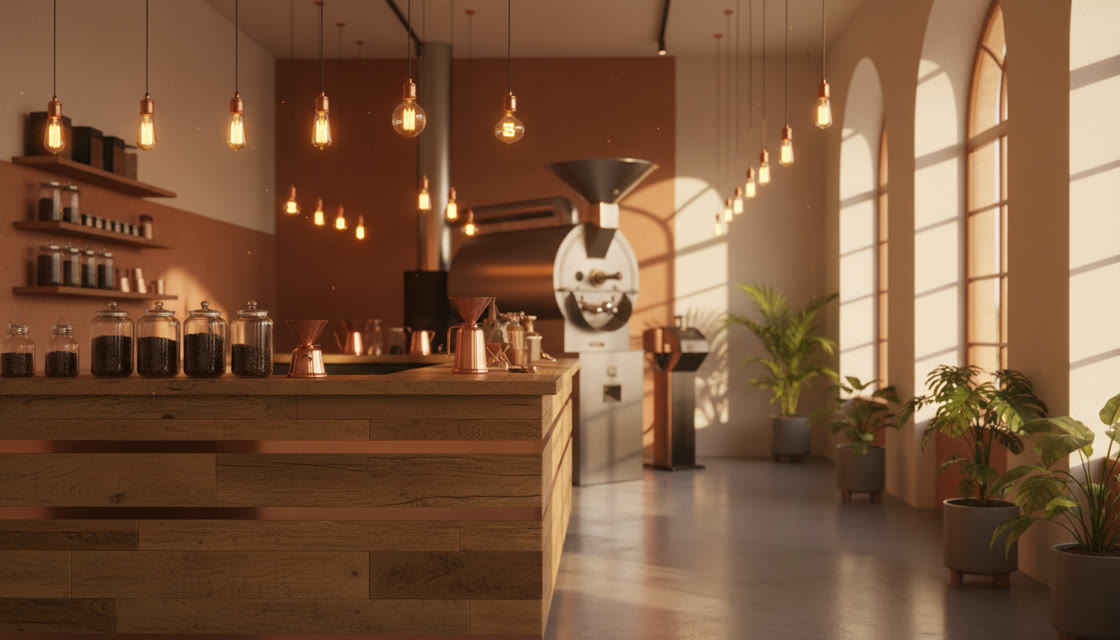
Try the coffee shop design example to explore a product layout. It is a demonstration, not a customer case study or evidence of a ranking increase. For a full project plan, read how to redesign a website.
A new visual design does not automatically preserve or improve Google rankings. Before replacing your live site:
Use the website redesign SEO checklist to plan these checks.
Use Redesignr when you want to generate and edit a front-end design yourself. An agency or developer may be useful when the project also needs content strategy, a CMS migration, custom integrations, or someone to manage launch and testing. Generated layouts do not replace your application backend.
The free plan lets you try the workflow; paid plans provide additional usage. See current plans and limits and the website redesign cost guide to plan your budget.
Start with one page, review the result, and decide what to change before publishing.
Flexible Pricing
Start for free, upgrade when you need to. No hidden fees or contracts.
Perfect for testing the waters
Free
For creators & freelancers
$20/mo
For power users & builders
$50/mo
Scale with your team
$100/mo
FAQ
What to expect when redesigning your website with AI.
Start with a public website URL, a screenshot, or a description. Redesignr generates a new layout that you can review and refine with the AI editor or visual editor before exporting the HTML.
Your existing page is the starting point for the redesign. Review the generated text, images, links, and contact details against the original before publishing; AI output can need corrections.
Start with a publicly accessible page you have permission to use. Pages behind a login or sites that block access may not import correctly. You can also upload a screenshot or describe the layout you want.
Redesignr generates responsive layouts using HTML and Tailwind CSS. Preview the result at phone, tablet, and desktop sizes, and check navigation and forms before launch.
Yes. Ask the AI editor to change colors, copy, or layouts, or use the visual editor to adjust individual elements.
Yes. You can export HTML and Tailwind code to use in your own project. Connect and test any forms, payments, or other backend functionality your website needs.
A visual redesign does not guarantee higher rankings. Preserve useful content and existing URLs where possible, redirect changed URLs, and check indexing, metadata, links, and performance before publishing.