
Top Bolt.new Alternative for Frontend Code Export
Discover why Redesignr.ai is the preferred prompt-driven visual tool for creators who need URL redesigns and exportable React code.
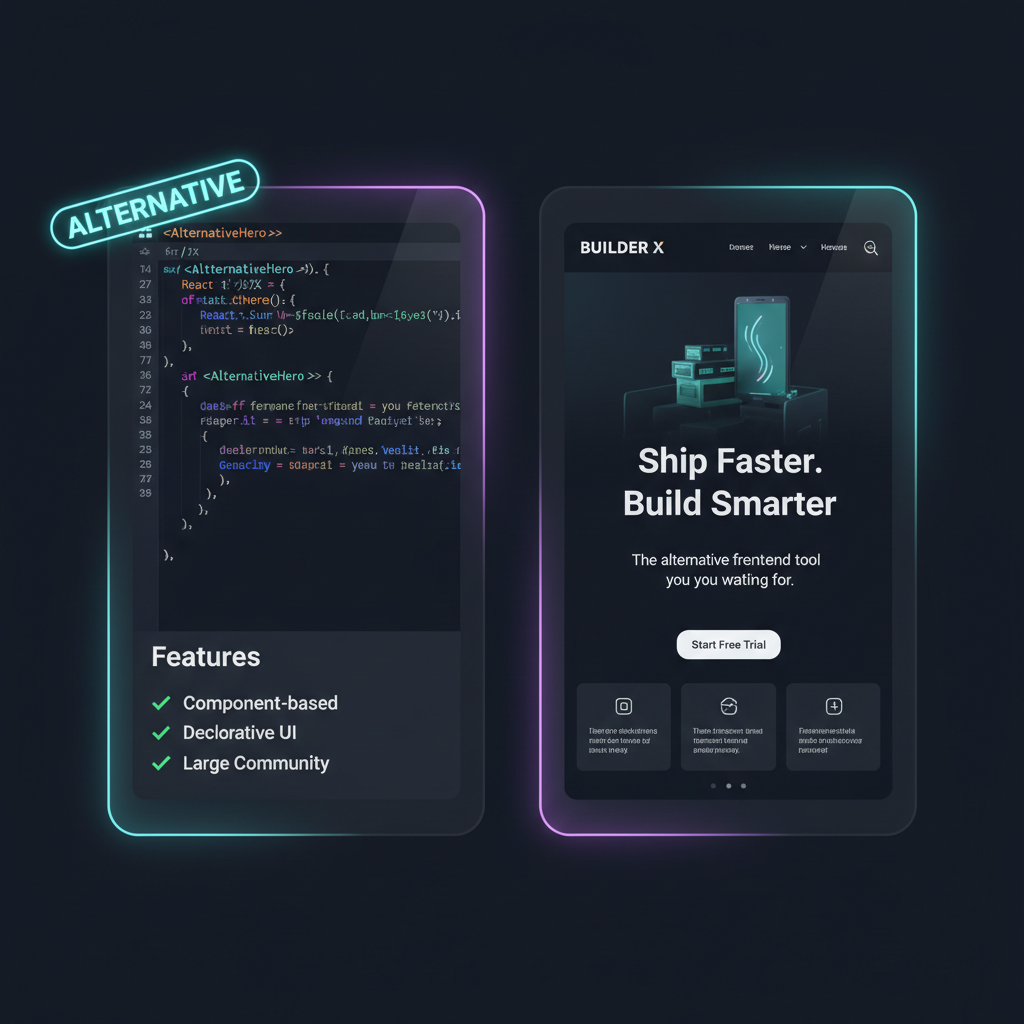
The Shift from In-Browser Sandboxes to Exportable Code
Bolt.new gained immense popularity in the vibe coding community by allowing creators to run fullstack Node.js WebContainers directly inside browser tabs.
However, developers and agencies building production landing pages often face friction when attempting to redesign an existing live website URL or export lightweight standalone React code without WebContainer overhead.
Running complex WebContainers inside client browser tabs can lead to heavy memory utilization and slow build times on lower-spec laptops.
By focusing specifically on visual layout synthesis and clean React component code exports, Redesignr.ai delivers faster rendering performance and immediate framework portability.
Growth marketers and front-end engineers appreciate having full source code ownership without mandatory hosting sandbox subscriptions.
Exported components integrate smoothly into Next.js App Router projects, Tailwind CSS configurations, and modern CI/CD deployment pipelines.
Comparing front-end generators based on bundle size and component modularity empowers teams to pick tools tailored for fast deployment.
Eliminating container boot delays ensures front-end developers can prototype and iterate on visual redesigns with zero latency.
Redesignr.ai addresses these specific needs—combining visual URL ingestion with clean React code exports that host seamlessly on Vercel or Netlify.
Head-to-Head Feature Comparison
1-Click Live URL Redesign
Code Export Portability
Visual Component Customization
PageSpeed & Mobile Responsiveness
Why Choose Redesignr for Frontend Web Projects
1. Ingest Existing Live Website URLs
Instead of describing your web page from scratch in a prompt, paste your live URL into Redesignr to generate a modernized visual makeover automatically.
2. Standalone Code Export
Export standard HTML, CSS, and React component code that you can version control in Git and host on any provider without vendor lock-in.
Full-stack generation and front-end generation get compared as though they are the same category, and the difference in what they produce determines whether the output fits your situation. If you have an existing site and a running backend, the fuller tool is often the worse fit — which is counterintuitive enough to be worth explaining.
What full-stack generation gives you
A working application: front end, some backend, a runnable project you can develop in the browser and deploy. For starting something new, that is a genuinely strong proposition — you go from nothing to a running thing in one step.
The assumption baked into it is that you are starting fresh. The project is scaffolded the tool's way, with its choices about framework, structure and dependencies.
That assumption is doing a lot of work, and it is exactly where it stops matching a redesign.
Why that fits a redesign badly
In a redesign you already have a backend that works, content that took years to write, URLs that carry rankings, and integrations that are wired up. You are not missing an application. You are missing a better front end for the one you have.
Generating a whole new project gives you a second application to reconcile with the first, and reconciliation is the expensive part. You end up either migrating your content into the generated project or extracting the front end out of it — both of which are work created by using the wrong shape of tool.
Front-end generation from your existing URL avoids that by producing markup you can drop into what you already run.
The input tells you which you are looking at
A quick way to classify any tool in this space: what does it ask for first?
If it asks what you want to build, it is oriented toward new projects and will generate around a description. If it asks for a URL, it is oriented toward existing sites and will read what you have.
That single detail predicts most of the downstream experience — whether your content survives, whether the output is a project or a page, and whether adopting it means changing your stack.
Extraction cost is the thing to evaluate
If you do use a full-stack tool for a redesign, the real question is how hard it is to get just the front end out.
Sometimes it is easy: the generated markup and styles are separable and can be lifted. Sometimes it is not, because the components are bound to the tool's data layer or its project conventions, and pulling one page out means untangling it from a framework you did not choose.
Test this early rather than after you have built something you like. Generate a page, then try to extract the markup for it and render it standalone. That tells you what adoption actually costs.
Where each one is the right answer
Full-stack generation is the better tool for a genuinely new thing — a prototype, an internal tool, a side project, anything where there is no existing system to respect.
Front-end generation is the better tool when a site exists and works, when content must survive, when URLs must be preserved, and when the output has to sit inside infrastructure you already run.
Most people searching for an alternative in this category are in the second situation and evaluating tools built for the first, which is why the fit feels wrong before they can articulate why.
Full-stack tools assume you are starting fresh; a redesign is the opposite situation. If you already have a backend, content and URLs, you want front-end output you can drop in — check the extraction cost before committing.
Frequently Asked Questions
Why is Redesignr.ai the top alternative to Bolt.new for frontend development?
While Bolt.new focuses on running fullstack Node.js WebContainers in the browser, Redesignr.ai specializes in ingesting existing live website URLs and exporting clean, standalone React component code.
Can I export clean React components without being locked into a subscription?
Yes. Redesignr exports 100% standalone HTML, CSS, and React component code that you can host on Vercel, Netlify, or custom web servers without recurring builder lock-in.
Do I need coding experience to use Redesignr instead of Bolt.new?
No. Redesignr provides both a visual drag-and-drop editor and natural language prompt controls, making web redesign accessible to non-developers.
Try the #1 Bolt.new Alternative Today
Redesign any live URL or prompt into clean React component code using Redesignr.ai.
Start Redesigning Free