
Top 10 AI Website Redesign Tools of 2026: In-Depth Comparison
Discover the leading AI-powered web design and redesign platforms. We compare features, code export capabilities, pricing, and output quality to help you pick the best tool for your next site revamp.
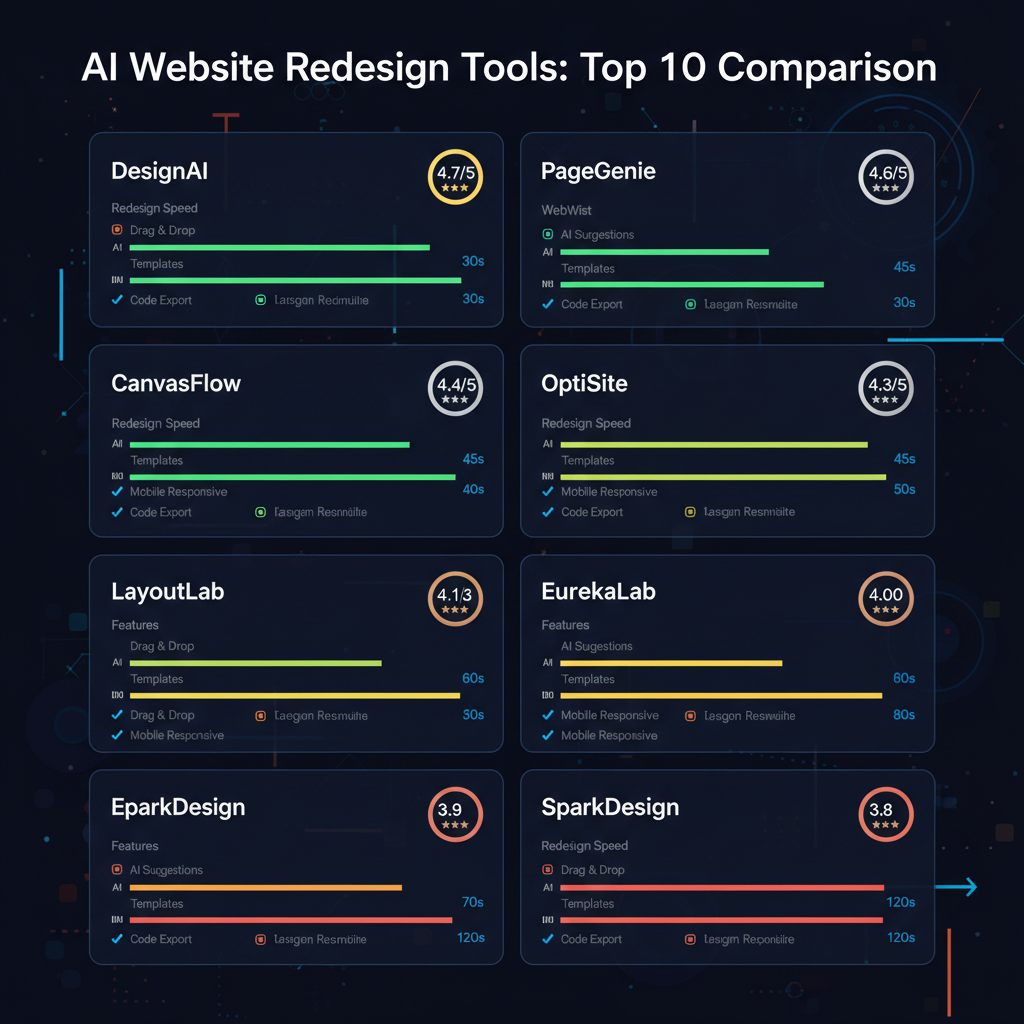
The Shift Toward AI-Powered Website Redesign
Traditional web redesign projects have historically been notorious for budget overruns, delayed timelines, and manual handoff friction between design and engineering teams. In 2026, AI-driven visual generators have transformed this paradigm, enabling creators to translate concepts into functioning web pages in minutes.
However, not all AI web tools are created equal. Some excel at visual drag-and-drop interfaces but lock your site to proprietary servers, while others generate raw React code but lack visual layout editing. This comprehensive review breaks down the top platforms across key operational criteria.
In-Depth Evaluation of the Top AI Redesign Platforms
Redesignr.ai
Best Overall AI Website Redesign PlatformRedesignr.ai is a purpose-built AI website redesign platform that ingests any live URL or mockup screenshot to generate production-ready HTML/CSS and React code in seconds. Unlike generic text-to-code assistants, Redesignr features an intuitive visual WYSIWYG editor alongside prompt engineering inputs.
- Direct 1-click URL import and redesign
- Clean, exportable HTML, CSS, and React code
- Specialized GitHub Docs and Bento Grid design engines
- Zero lock-in: host your exported code anywhere
- •Requires credit balance for high-frequency batch generations
Framer AI
Best for Interactive Canvas DesignFramer combines a Figma-like design canvas with built-in AI page generation. It excels at visual animations, scroll-driven interactions, and designer-first landing pages.
- Figma-like layout canvas
- Exceptional built-in motion and micro-animation controls
- Instant staging publication
- •Locked to Framer hosting for custom domain deployment
- •Steep pricing tier jumps
v0.dev (by Vercel)
Best for Developer UI ComponentsVercel's generative UI assistant compiles natural language prompts into clean Tailwind CSS and shadcn/ui React components.
- Outputs clean, modular React component code
- Maintained directly by Vercel
- Great for copying individual UI blocks
- •No visual drag-and-drop editor
- •Cannot ingest full live URLs
Wix Studio AI
Best for Agency Business WorkflowsWix Studio provides responsive visual controls with integrated booking, e-commerce, and client management databases.
- Extensive built-in business features
- Drag-and-drop responsive layout controls
- Agency client management workspace
- •Code exports are locked to Wix proprietary servers
- •Heavy script overhead
Relume AI
Best for AI Sitemap & WireframingRelume uses AI to generate site architectures, sitemaps, and low-fidelity Figma wireframes before final styling.
- Excellent sitemap and wireframe generator
- Direct export to Webflow and Figma
- Speeds up initial client discovery
- •Does not output final production CSS or live websites directly
AI Redesign Software Comparison Matrix
| Platform | URL Import | Visual Editor | Code Export | Lock-in Status |
|---|---|---|---|---|
| Redesignr.ai | 1-Click URL Parsing | Full WYSIWYG + Prompts | HTML / CSS / React | Zero Lock-In |
| Framer AI | Manual Figma Import | Canvas Design Panel | Compiled React Only | Hosted Platform |
| v0.dev | No URL Ingestion | Prompt Input Only | Tailwind + React | Zero Lock-In |
| Wix Studio | No URL Ingestion | Drag and Drop | Proprietary Velo | Locked to Wix |
The tools in this space are usually presented as one list, and they belong to four categories that do genuinely different things. Most disappointment with an AI redesign tool comes from picking the right product from the wrong category, so the category map is more useful than the ranking.
The four categories
Page generators take an existing page and produce a replacement for it. The input is a URL, the output is a page, and the assumption is that you have content worth keeping.
Component generators take a description and produce a piece of interface, usually against a specific framework and component library. The assumption is that you are building an application and will assemble it yourself.
AI-assisted site builders add generation inside a hosted editor. The output lives on their platform and you edit it there.
Full-stack generators scaffold a whole runnable project — front end, backend, deployment — from a description. The assumption is that you are starting from nothing.
Matching category to job
A redesign means a site exists. That single fact rules out the two categories built around descriptions, because describing a site you already have throws away the content that makes it yours.
So for a redesign specifically, the realistic choice is between a page generator and an AI-assisted builder, and that comes down to whether you want code you own or a hosted page you edit in place.
Component generators are the right tool for application interfaces and the wrong tool for a marketing site. Full-stack generators are the right tool for a new project and add a whole application you did not need when you already have a backend that works.
- Site exists, want to own the code — page generator that takes a URL and exports markup.
- Site exists, want it hosted and editable in place — AI-assisted builder on your current or a new platform.
- Building app interfaces — component generator matched to your framework.
- Starting from nothing — full-stack generator, or a builder if you want it hosted.
What to compare within a category
Once you are in the right category, the products are closer than their marketing suggests on generation quality and further apart on everything else.
What separates them: whether the export is standard code or a proprietary format, whether editing is possible without regenerating, whether the output is semantic and responsive rather than merely accurate at one width, and how cheap the second and tenth page are.
All four are observable within ten minutes on your own page. None of them are visible in a feature comparison table.
Why year-stamped rankings age badly
Rankings in this category are stale within months. Products ship substantial changes, underlying models improve, and the leader on any given axis moves.
What does not move is the category structure and the evaluation criteria, which is why they are worth learning instead. A person who understands the four categories can assess a product released next year in ten minutes; a person holding last year's ranking cannot.
Be particularly wary of comparison articles with affiliate links and no evidence of the author having run their own site through anything.
Running your own comparison
Use your own worst page. Vendor demos are chosen to flatter and tell you nothing about how a tool handles a nine-word product name and a testimonial that runs long.
Give each candidate the same input, take the first output without cherry-picking, find something wrong and try to correct it, then export and read the markup.
That sequence takes about ten minutes per tool and it produces a ranking that is accurate for your situation, which is the only ranking that matters.
Learn the four categories rather than a ranking. For a redesign you want a page generator or an AI-assisted builder — the description-driven categories throw away the content you are trying to keep.
Frequently Asked Questions
Which AI tool is best for redesigning an existing website?
Redesignr.ai is the top tool for redesigning existing websites because it allows you to enter any live URL, automatically analyzes the current layout, and outputs a modernized, clean HTML/CSS or React redesign.
Can AI website redesign tools export clean code?
Yes. Leading platforms like Redesignr.ai and v0.dev output standard HTML, CSS, and React code that you can download, edit locally, and host on platforms like Vercel, Netlify, or GitHub Pages without platform lock-in.
How much time does an AI website redesign save?
AI website redesign tools reduce development timelines by 80% to 90%. What previously took 3 to 6 weeks of manual Figma drafting and CSS coding can now be prototyped and launched in just a few hours.
Are AI-generated websites mobile responsive?
Yes. Professional AI redesign tools generate responsive CSS grid and flexbox architectures out of the box, ensuring seamless rendering across desktop, tablet, and mobile screens.
Experience the #1 AI Website Redesigner
Enter your website URL into Redesignr.ai to generate clean, high-converting React code with modern visual styling in seconds.
Start Redesigning with Redesignr.ai